

In SULFUR, you can remove weapon oils and attachments without throwing away a gun that has the wrong setup. You need to unlock Cherish Hall to access the Baptism Font and a working workbench, which let you change your weapon setup.
How to Remove Oils from Weapons in SULFUR
To remove oils from a weapon, first buy the Baptism Font from the merchant in Cherish Hall. You can access this area after completing the town.
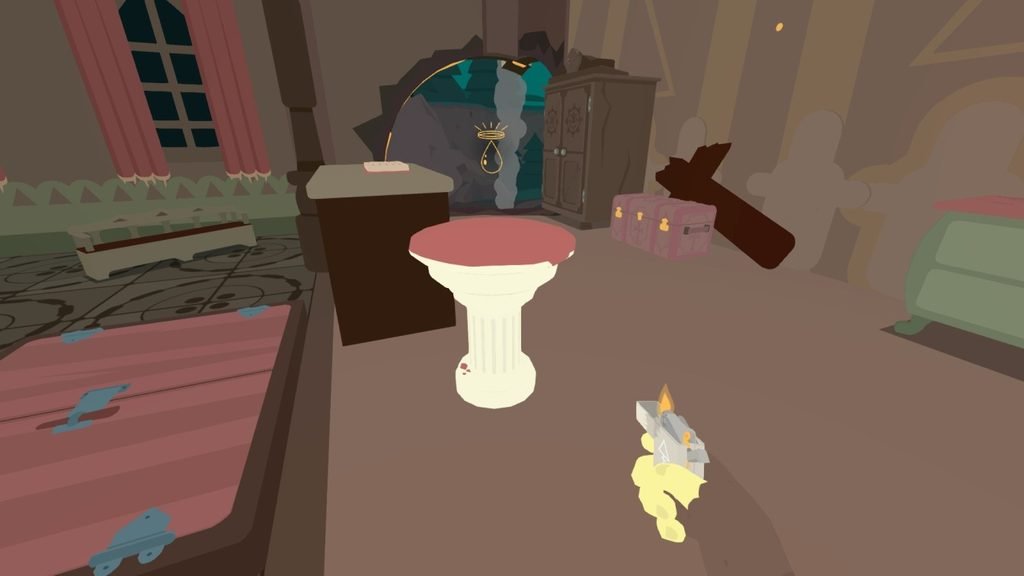
Follow these steps:
- Complete the town to unlock Cherish Hall.
- Find the old man sitting on a chair. He sells several items, including storage upgrades and ammunition supplies.

- Spend the stamps you earn from completing quests to purchase the Baptism Font.
- Use the Baptism Font to remove oils from your weapons.
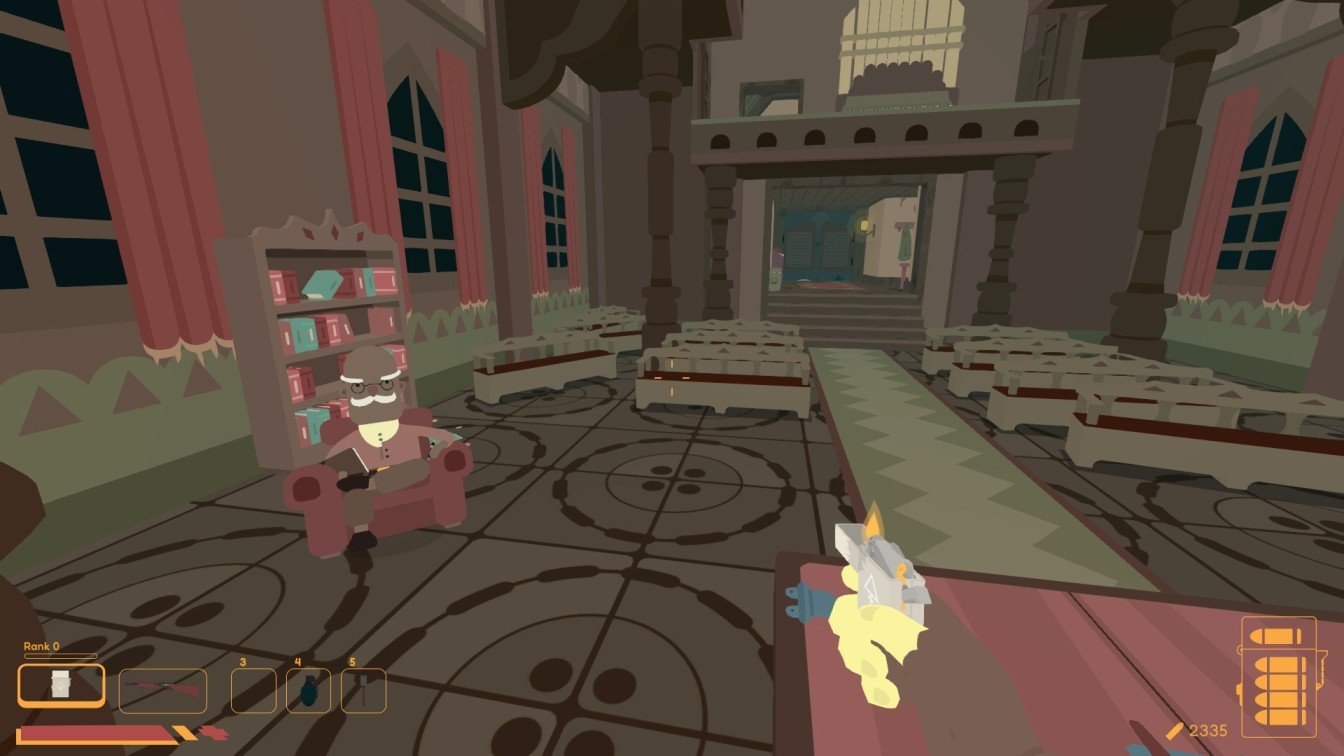
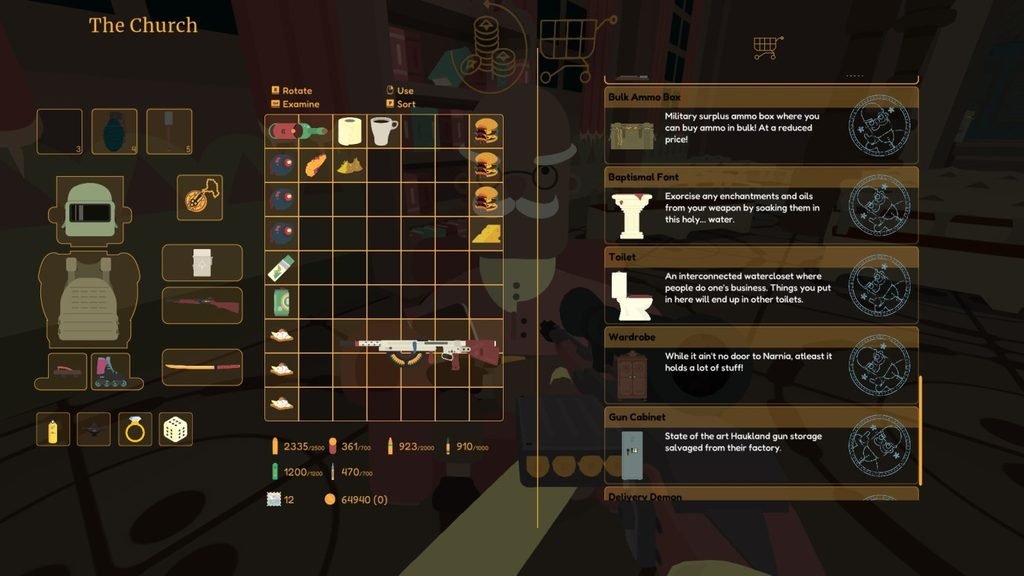
The Baptism Font is very useful when you want to change a weapon’s oil setup instead of keeping an unwanted combination.
How to Remove Weapon Attachments in SULFUR
If you have attached the wrong scope or another weapon attachment, you can remove it at the working workbench in Cherish Hall.
The workbench is located outside, near the chairs. You need to pay money to remove an attachment, but you won’t lose the attachment.
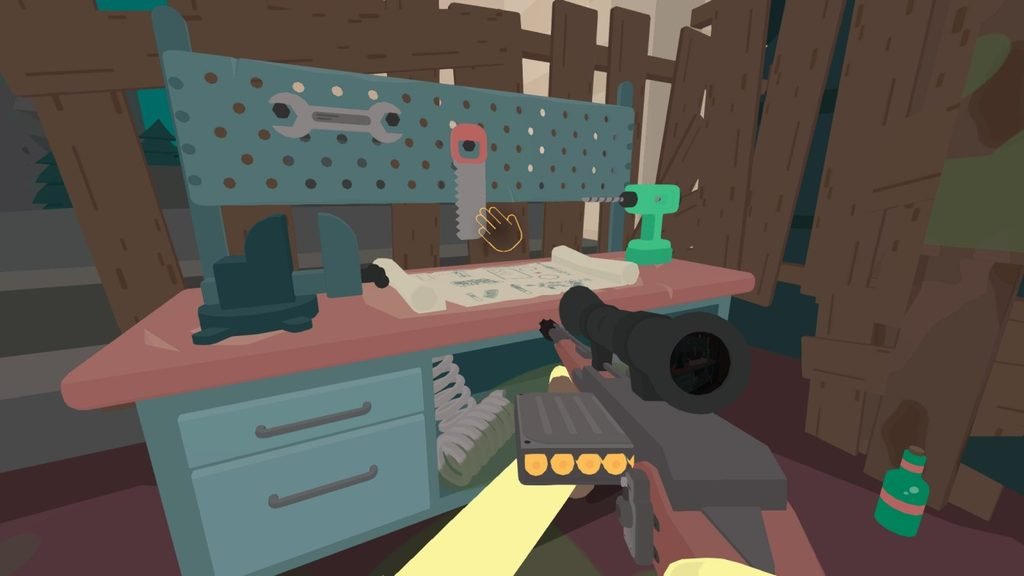
Here’s what to do:
- Find the workbench outside near the chairs.
- Walk up to it and interact with it.
- Place the weapon you want to modify into the workbench.
- Pay the required amount of money to remove its attachment.
- Collect the removed attachment from the boxes next to the weapon.
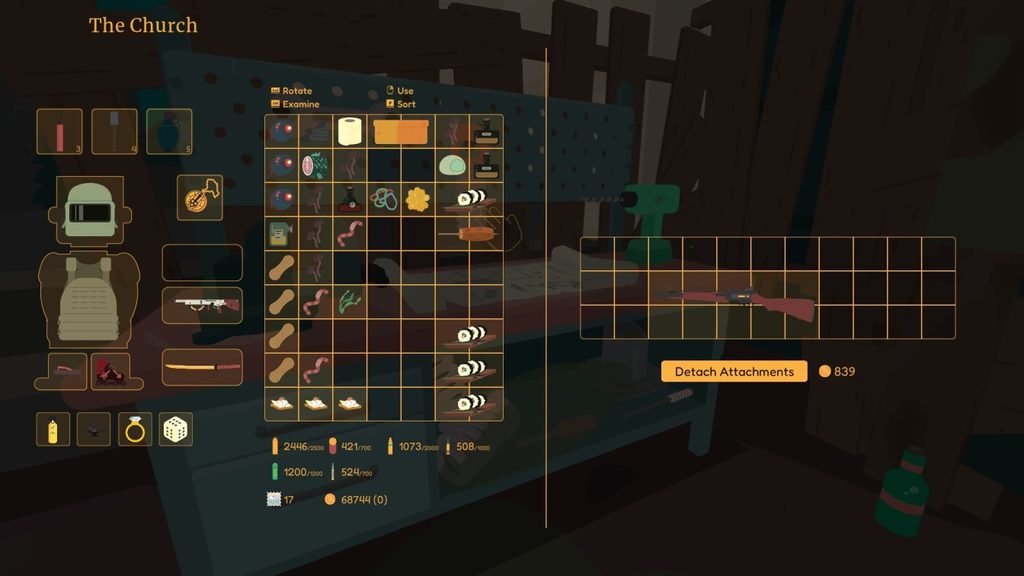
You can then keep the attachment for later use instead of losing it.