
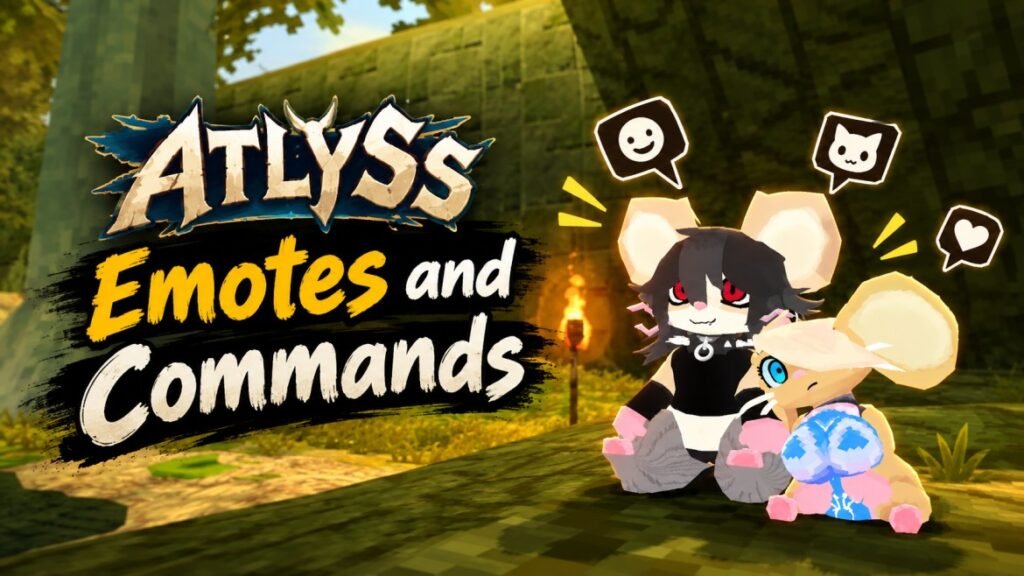
Do you know that you can use emotes in ATLYSS too? You can enter any emote command in the chatbox, and your character will sit, dance, point, clap, taunt, and more.
Here are all the updated cheats and console commands for ATLYSS Emotes.
ATLYSS Emote Commands
To use the emotes, just open the chat and type the command. For example, typing /dance makes your character dance.
| Emote | Command |
|---|---|
| Emotes List | /emotes |
| Sit Down | /sit |
| Sit Down (Racial) | /sit2 |
| Thought Bubble | /think or /ponder |
| Dance | /dance |
| Taunt / Spank | /taunt |
| Point | /point |
| Nod | /nod |
| Shrug | /shrug |
| Clap | /clap |
| /eatass | |
| /grope | |
| /spank |
How to See the Emote List
If you don’t want to remember the commands, then simply type/emotes in the chat. This will show you the available emote list.
Different races can have different animations. For example, the way your character sits or dances can change depending on the race you are playing.
ATLYSS Chat Color Command
There is also a GitHub mod that lets you change your chat text color on hosted servers.
After installing and setting up the mod, you can type: /chatcolor #ffffff
Replace #ffffff with the hexadecimal color code you want.
For example, you can use any valid HTML hex color value. To return your chat color to the default, enter: /chatcolor clear
The custom chat color setup requires the AtlyssCustomChatColors mod along with its dependencies:
- BepInEx Pack
- BepInEx Fixer
- SQLite4BepInEx
Make sure you install these mods in your ATLYSS game directory.
That’s all about the useful emote commands in ATLYSS. Type them directly in the chat and see what your character does. Some animations change with your race, so it’s worth trying them out in Sanctum.
Pingback: ATLYSS All Achievements & How to Unlock Them - Guidexon