

Want to get some quick cash in Weed Supermarket Simulator? There is a simple pricing glitch that you can use to sell products for the highest price even after customers have already taken them from the shelves.
I tested this method myself, and it works.
How to Do the Money Glitch in Weed Supermarket Simulator?
The trick is to get a long customer queue while the product is still priced cheaply. Then, change its price before you charge the customers.
Follow these steps:
1. Set the Product to the Lowest Price
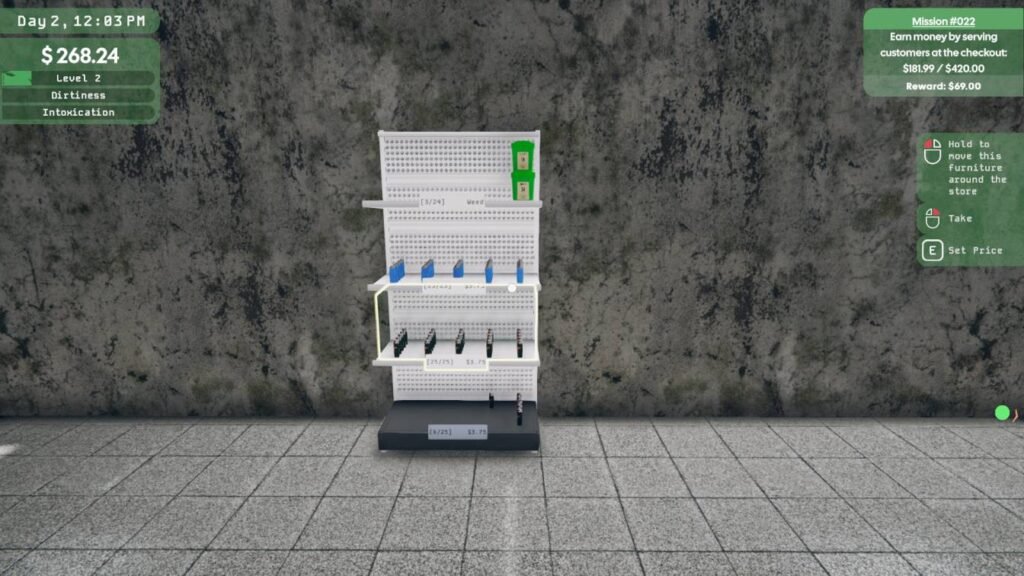
Select any product from your shelves and press E to set its selling price. Decrease the price to the lowest possible price.
This will encourage customers to enter your store and pick up the product.
2. Wait for Customers to Take It
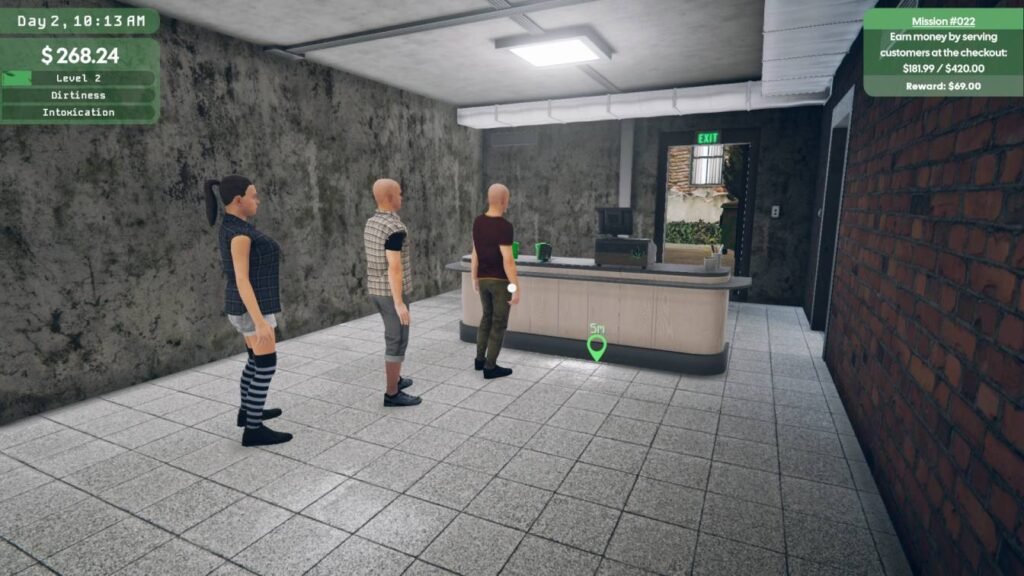
Let customers take the product from the shelves.
Keep waiting until several customers have picked up the same product and the queue at the counter has become nice and long.
Don’t change the price yet.
3. Change the Price to the Highest
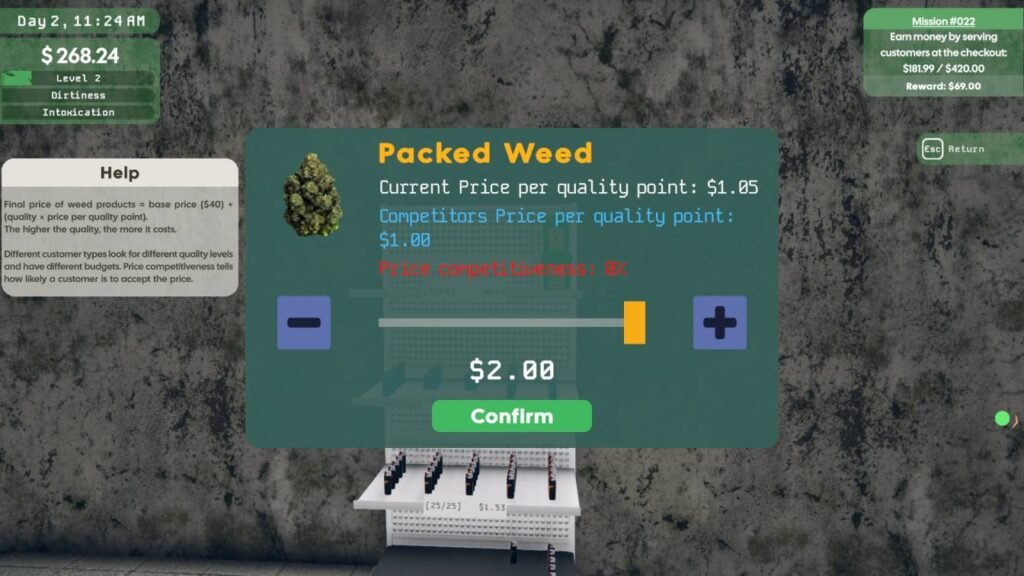
Once you have enough customers waiting at the counter, go back to the shelf.
Increase the product’s price from the lowest to the highest possible price.
The customers will not leave the store, and they should still have the products they picked up when the price was low.
4. Charge the New Price
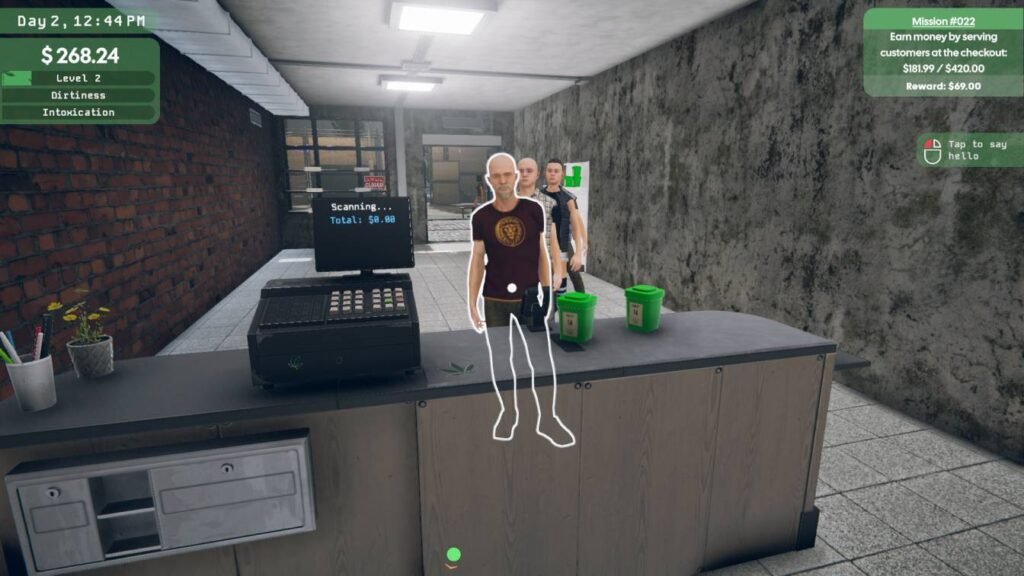
Now return to the counter and start charging the customers.
The game will use the new, higher price for the products they are carrying.
So you bought yourself a long queue of customers at the low price and then charged them the high price.
Quick Summary
Low price → Customers take products → Build a queue → Set price to maximum → Charge customers
That’s the whole glitch.
Since the method depends on the game’s current pricing behavior, it may stop working after a future update.
So go ahead and make plenty of cash before developers notice this glitch.