
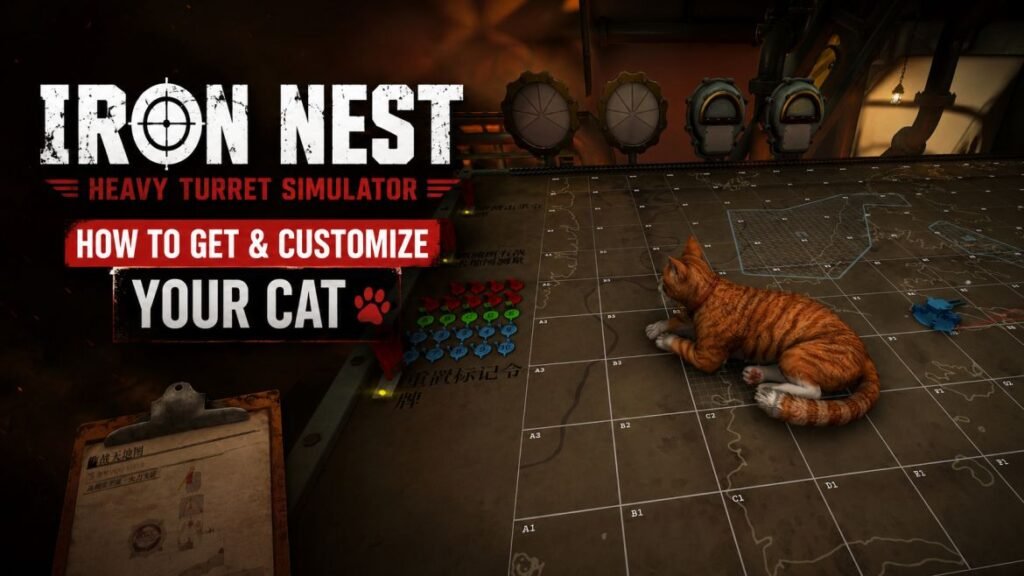
I had barely started IRON NEST: Heavy Turret Simulator when I realized there was something more important than artillery coordinates: the cat.
The cat is your feline companion in the game, and it can walk around the Iron Nest and hang out in the crew quarters. It can even get in your way while you are trying to operate the biggest gun imaginable. You can also customize the cat and decide whether it can access the upper areas of the Iron Nest or not.
In this guide, I will tell you how to unlock the cat in IRON NEST: Heavy Turret Simulator and customize its appearance. I will also guide you on how you can get it back when you can’t see it on your screen.
Where is my cat?
Press Esc to open the clipboard.
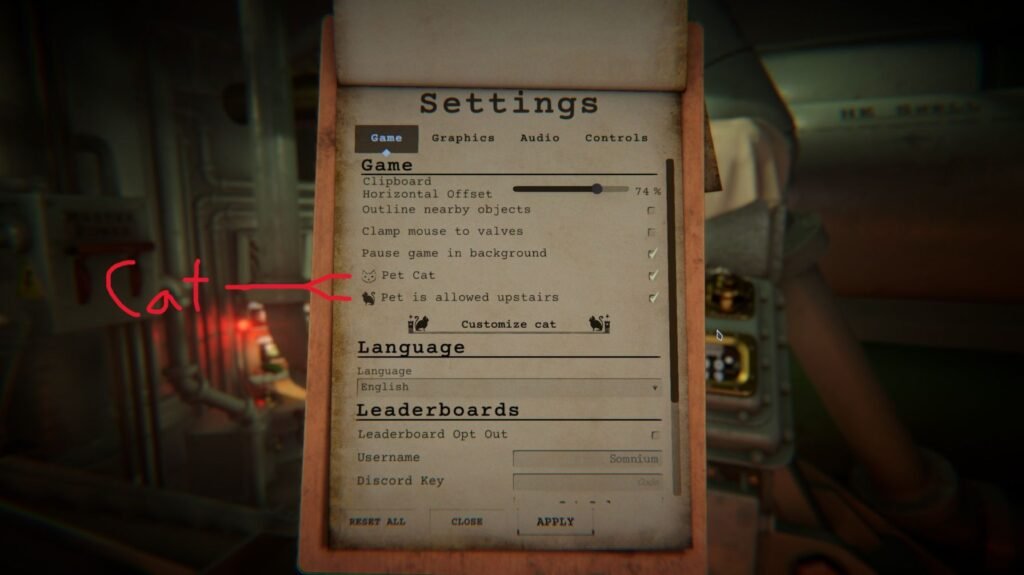
From there, select Game options. There you’ll find the cat settings. The cat is enabled by default, so you don’t have to change anything.
You can also find an option that allows the cat to go upstairs. Enable it if you want your cat to roam around the entire Iron Nest.
How to customize the cat?
The game also allows you to customize your cat.
Open the customize cat options from the same menu mentioned above. The customization section appears below the basic cat settings.
You can change several parts of the cat’s appearance, such as eye & fur color, ears, nose, cheeks, etc. This gives you a chance to create something that looks a little closer to your own feline companion.
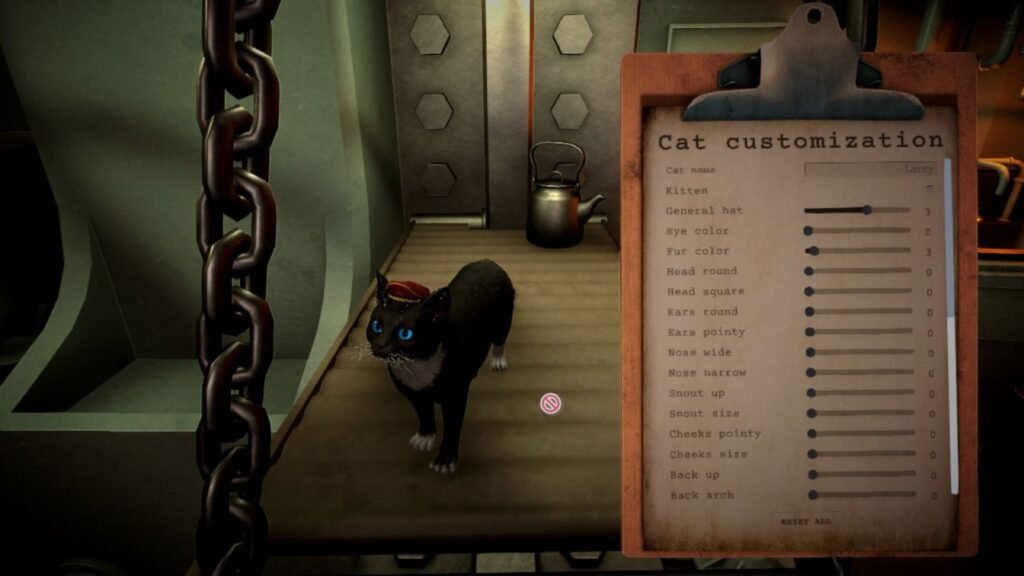
So, yes, you can have your personal cat sitting beside a massive dieselpunk artillery machine.
Where can I find my cat?
Your cat can wander around the crew quarters downstairs.
If you enabled the upstairs option, your cat can also roam around the rest of the Iron Nest.
Sometimes you may not see it right away. The cat likes to do its own thing.
There is also a quick way to bring it back.
Open the cat customization menu and then close it again. Your cat will spawn next to the hatch downstairs.
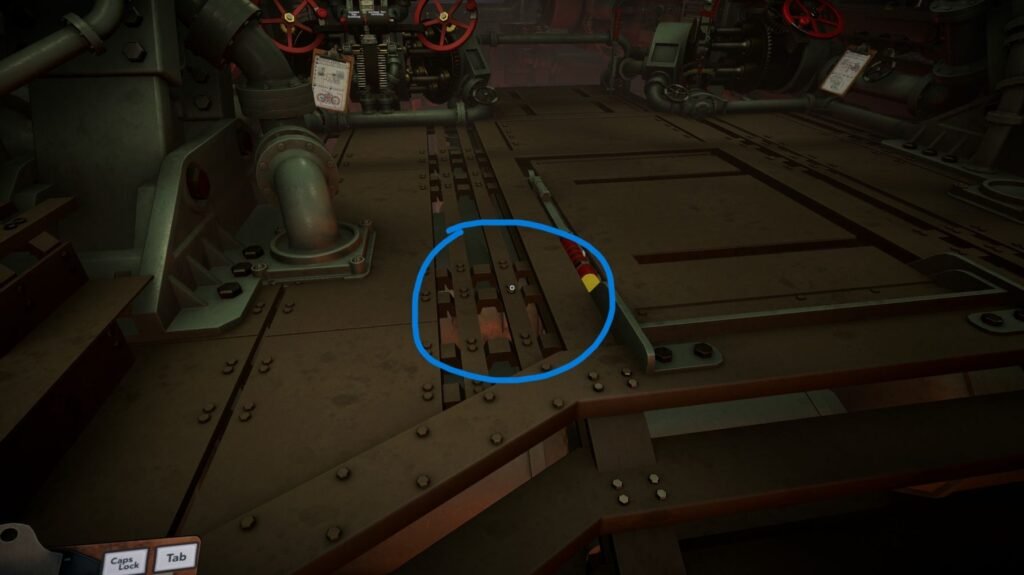
That is much faster than searching the entire Iron Nest for a small furry creature.
How to move the cat?
The cat can get in your way even if you are planning an important mission.
That is part of the experience.
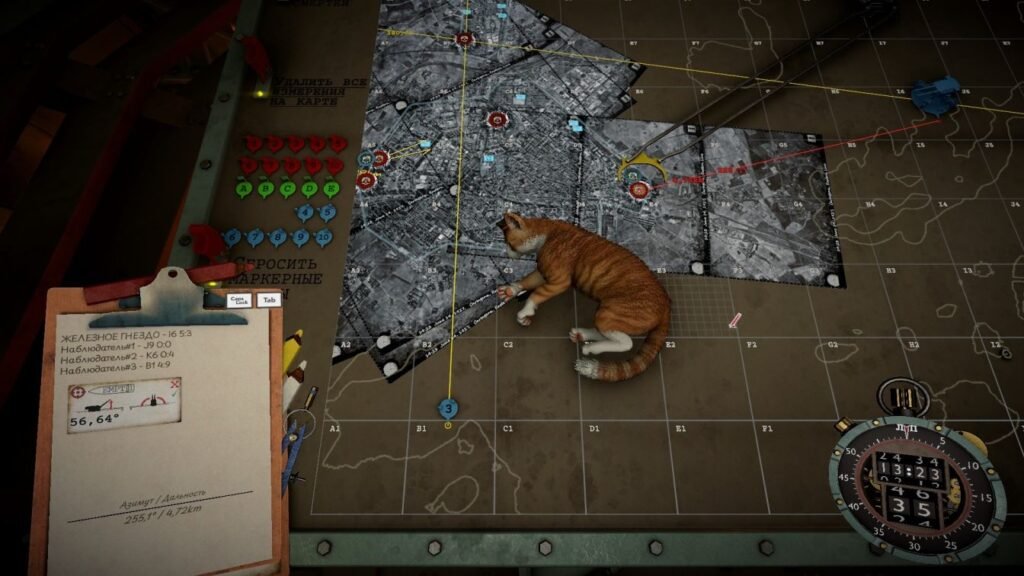
If you need the cat to move because you have important artillery work to do, press G to shoo it away.
You can also pick up the cat and move it somewhere else. Press F to pick it up and place it where you want.
Personally, I think moving the cat away from your workstation should be considered a much lower priority than actually firing the giant cannon.
But the option is there.
Can the cat help with artillery calculations?
Sadly, no.
Your cat cannot help with the trigonometry or calculate the firing solution needed to destroy enemy positions.
At least not yet.
The cat can provide emotional support while you measure coordinates, adjust the hydraulics, and prepare the artillery.
Can I rename the cat?
You can change the cat’s name, although some players have reported issues with the name resetting to the default Hastur.
So if your custom name keeps disappearing after pressing E, you are not the only one who has run into that problem.
The cat may have simply decided that Hastur is a better name.
But if your name is not disappearing, you can choose some of my favorite names for your cat:
- Rosa
- Benji
- General Paws
- Admiral Whiskers
- Major Meow
- Captain Mittens
- Sergeant Paws
- Lord Whiskerton
- Marshal Fluff
- Commander Cat
That is pretty much everything you need to know about the cat in IRON NEST: Heavy Turret Simulator right now.
The cat does not improve your artillery calculations or make the Iron Nest more effective. It simply exists, walks around, gets in the way, and occasionally reminds you that there are more important things in life than destroying enemy positions.
You can customize it, move it around, and let it explore the upper areas of the Iron Nest.
And honestly, that is enough.