
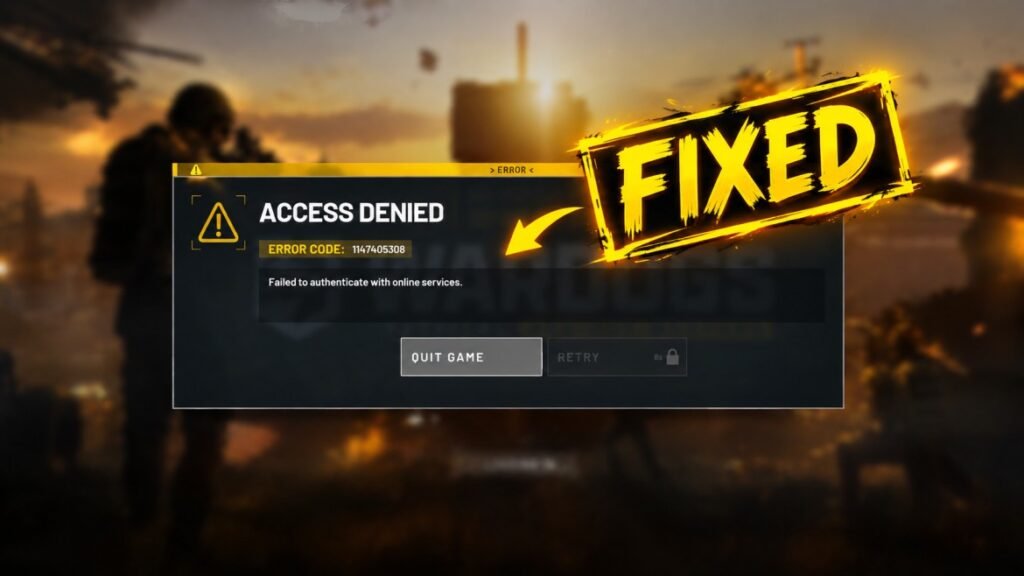
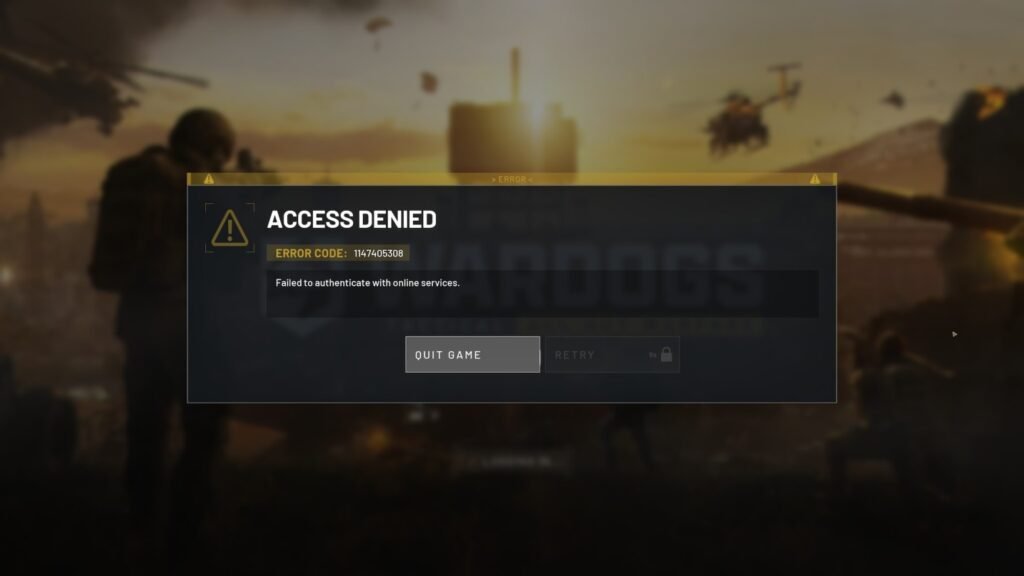
So you made a plan to chill with WARDOGS, but after opening the game, you get Error 1147405308 – Failed to authenticate with online services on your screen.
First of all, you are not the only one facing this problem. WARDOGS has just been released, and the game has already come with several bugs and connection issues. The developers are working on fixing them.
Until then, you can try the workaround fixes below to get past the 1147405308 error and connect to the game’s online services.
The fix below resets the Windows WinHTTP proxy settings that are blocking the connection. You can either use the automatic fix tool or run the commands yourself.
How to Fix WARDOGS Error 1147405308
Method 1: Use the Automatic Fix
You can easily fix this error by using the WARDOGS_Auth_Fix_Tool.bat file below.
Note: We have not created this .bat file, and we are only sharing it because it has helped many players. If you are not comfortable downloading the file, then use the manual fix instead.
Download the WARDOGS Auth Fix Tool from Google Drive.
After downloading, extract the archive.
Then:
- Find WARDOGS_Auth_Fix_Tool.bat.
- Right-click the file.
- Select Run as administrator.
- Let the tool finish its checks.
- Fully close Steam. Make sure you also exit from the background.
- Open Steam again.
- Start WARDOGS.
The tool will check the WinHTTP proxy, remove a broken proxy setting, flush DNS, check the WARDOGS and Epic Online Services connections, and create a report on your desktop.
Method 2: Reset the Proxy Manually
You can also fix this error without using the tool.
Press Win + X and open Terminal (Administrator).
Run:
netsh winhttp show proxy
Check the result.
If you see a proxy similar to:
Proxy Server(s): 127.0.0.1:10801
reset it with:
netsh winhttp reset proxy
After the reset, run the check again:
netsh winhttp show proxy
You should see:
Direct access (no proxy server)
Now restart Steam and launch WARDOGS again.
WARDOGS 1147405308 Still Not Fixed?
Resetting the WinHTTP proxy does not fix every possible cause of error 1147405308. It only addresses cases where the connection problem is caused by incorrect or broken WinHTTP proxy settings.
Some players also reported connection problems when using network tools such as Zapret. For some players, the game is not connecting without a VPN but works fine after connecting through a VPN.
So, if your WinHTTP result already shows:
Direct access (no proxy server)
and WARDOGS still cannot authenticate, the proxy may not be the cause.
Check whether you have a proxy enabled elsewhere in your Windows network settings and disable it if you do. Then restart Steam and test the game again.
Players Report
Many players in the discussion said the proxy reset fixed the error after they had been trying to solve it for hours or even days.
One player also reported that manually turning off and removing the proxy from the network settings helped for him. Another player using Zapret said the automatic tool showed Direct access (no proxy server), but they were still unable to connect.