
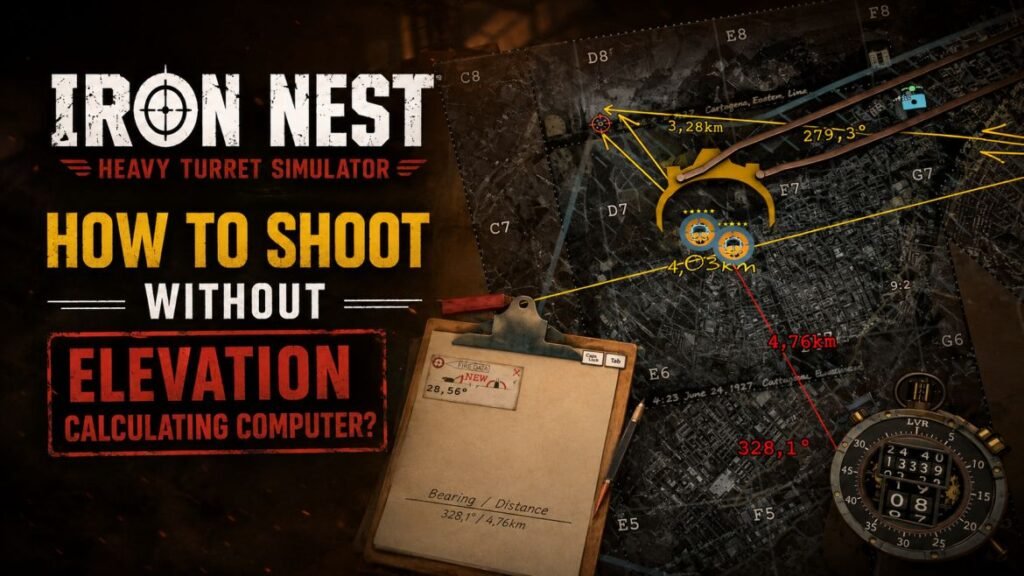
You can calculate the correct gun elevation yourself in IRON NEST: Heavy Turret Simulator. The game uses a simple linear formula for artillery elevation, so you do not need the TDC-style computer for every shot.
I tested the formula with different distances and charge counts, and it matches the elevation shown by the in-game computer.
How to Calculate Elevation Manually
Use this formula:
Elevation = Distance × 0.012 ÷ Number of Charges
You only need two things:
- Distance to the target
- Number of powder charges
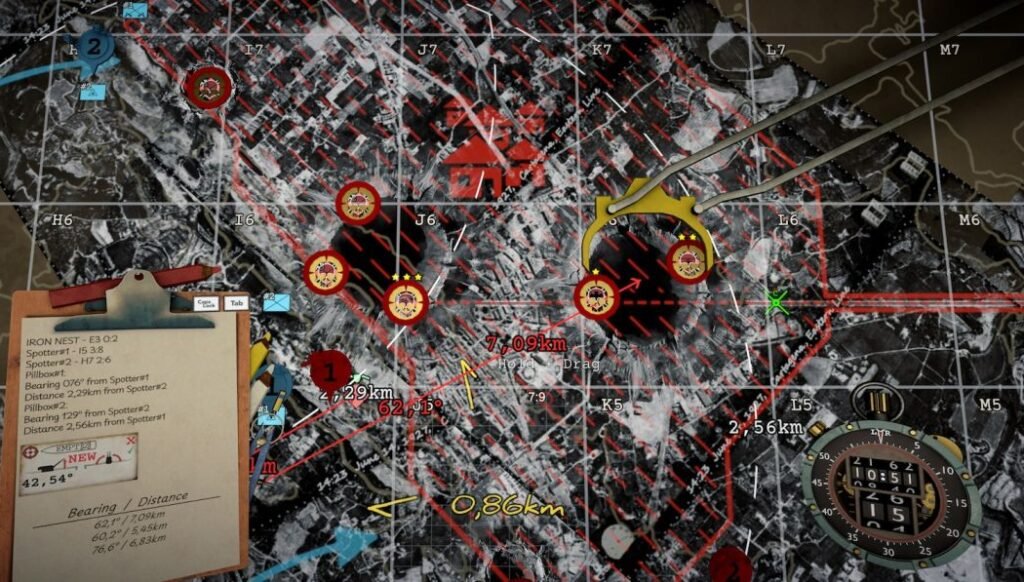
The red pencil can help you get the target distance from the map.
Example 1: 6,470 meters with 2 charges
Suppose the enemy is 6,470 meters away.
Two charges can reach up to around 10 km, so 2 charges are enough.
First, multiply the distance by 0.012:
6,470 × 0.012 = 77.64
Now divide the result by 2:
77.64 ÷ 2 = 38.82°
Set the elevation to 38.82°.
You can check the result on the TDC computer, and it will show the same angle.
Example 2: 4,300 meters with 5 charges
You can also use more charges than necessary.
For 4,300 meters with 5 charges:
4,300 × 0.012 ÷ 5 = 10.32°
Set the gun elevation to 10.32°.
Need a break from artillery calculations? Check out our IRON NEST Cat Guide to learn how to find, customize, and move your feline companion around the Iron Nest.
Example 3: 8,200 meters with 2 charges
The target is 8,200 meters away, and you want to use 2 charges.
8,200 × 0.012 = 98.4
Now divide by 2:
98.4 ÷ 2 = 49.2°
Set the elevation to 49.2°.
Example 4: 13,500 meters with 3 charges
The target is 13,500 meters away, and you use 3 charges.
13,500 × 0.012 = 162
Now divide by 3:
162 ÷ 3 = 54°
Set the elevation to 54°.
The number of charges changes the final angle, so make sure you include it in the calculation.
Faster Formula With Kilometers
You do not have to convert the distance into meters.
The same calculation becomes:
Elevation = Distance in km × 12 ÷ Charges
For example, the earlier 6.47 km target with 2 charges:
6.47 × 12 ÷ 2 = 38.82°
This is much easier to enter into a phone calculator.
Quick Charge Table
You can use this table instead of calculating the full formula every time.
| Powder Charges | Maximum Range at 60° | Quick Formula |
|---|---|---|
| 1 | 5 km | Distance × 12 |
| 2 | 10 km | Distance × 6 |
| 3 | 15 km | Distance × 4 |
| 4 | 20 km | Distance × 3 |
| 5 | 25 km | Distance × 2.4 |
| 6 | 30 km | Distance × 2 |
The distance in this table is always in kilometers.
For example, a target at 17.58 km with 4 charges needs:
17.58 × 3 = 52.74°
You can enter that elevation directly.
Another Easy Method: Proportion
Some players prefer a proportion instead of the main formula.
For example, with 2 charges, 7.5 km corresponds to about 45°.
For a target at 6.28 km:
7.5 : 45 = 6.28 : X
Then:
X = (45 × 6.28) ÷ 7.5
X = 37.68°
So the required elevation is about 37.68°.
This method can work if you already know the maximum range and elevation for your chosen number of charges.
The Fastest Method: Use 6 Charges
There is an even easier shortcut if you do not want to think about different multipliers.
Load 6 powder charges.
Six charges can reach up to 30 km at 60°, which gives you a simple formula:
Elevation = Distance in km × 2
For example, a target at 8.64 km needs:
8.64 × 2 = 17.28°
A target at 17.5 km needs:
17.5 × 2 = 35°
This method uses more powder, but the charges are cheap. The lower elevation also means you can get the gun onto the required angle faster.
More Charges Make the Shell Travel Faster
The number of charges does more than change the elevation.
More charges give the shell a higher flight speed. That means you can reach the same target with a lower elevation and get the shell there faster.
For example, a 5 km shot with 1 charge can take much longer than the same shot with 6 charges.
The downside is simple: more charges mean more powder consumption.
So you can choose between saving charges and getting the shell to the target faster.
An Alternative Formula
You can also calculate elevation with the maximum range of your selected charges:
Elevation = (Target Distance ÷ Maximum Range) × 60
Each charge adds about 5 km of maximum range at 60°.
For example, you have 2 charges and the target is 9.44 km away.
Two charges give a maximum range of 10 km.
So:
(9.44 ÷ 10) × 60 = 56.64°
Set the elevation to 56.64°.
This formula gives the same result as the main formula.
Use a Guiding Shot
You do not have to calculate the angle before your first shot.
Instead, you can fire a cheap or non-lethal guiding shot first. Watch where it is landing and use that result to adjust your elevation.
This works well when you are unsure about the target distance or do not want to do the math.
Some players also use drill or dud rounds for the same purpose. Fire one, check the impact, adjust the angle, and then use the proper ammunition.
This method takes more shots, but it can be useful when the computer is unavailable.
Does Ammunition Type Change the Elevation?
No.
One player tested this and found that the ammunition type does not change the trajectory angle. The TDC can display the ammunition type on the firing card, but it does not change the elevation calculation.
So you can focus on the distance and number of charges when calculating the angle.
Do You Need the TDC Computer?
Not for the elevation calculation.
The TDC is still useful because it handles the calculation for you and organizes your firing information. It can also prepare firing cards with the target, ammunition, azimuth, elevation, and charge count.
The manual formula gives you another option.
It is very useful during the mission where the elevation computer gets damaged.
Final Formulas to Remember
Keep these formulas handy:
Any number of charges:
Elevation = Distance in km × 12 ÷ Charges
Using the maximum range:
Elevation = (Distance ÷ (Charges × 5)) × 60
Using 4 charges:
Elevation = Distance × 3
Using 6 charges:
Elevation = Distance × 2
So if you know the target distance and your number of charges, you can calculate the elevation yourself without relying on the computer.
The game does not simulate real-world artillery ballistics here. The calculation stays linear, which makes manual firing much easier than trying to recreate real artillery mathematics.
For quick shots, grab the distance from the map, pick your charges, enter the numbers into a calculator, and set the elevation.
Happy firing, Operator.